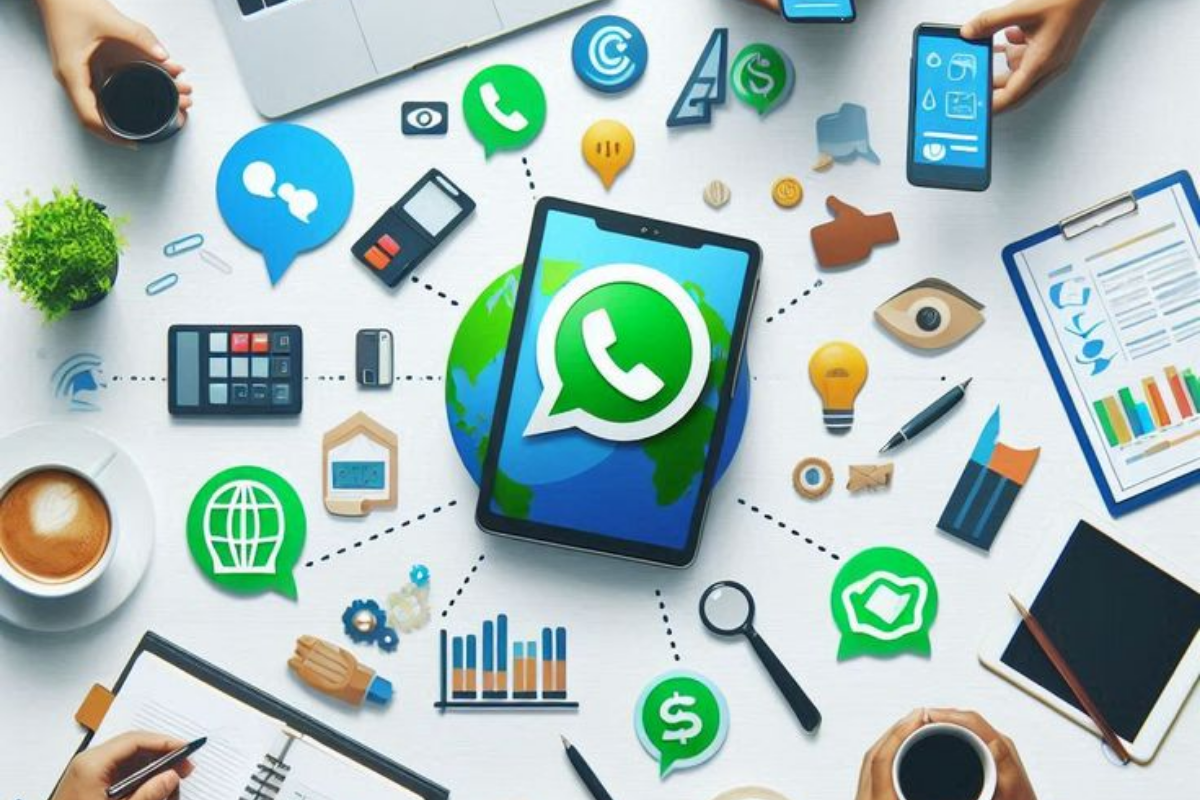
WhatsApp Auto Send Image is a simple idea with a big impact. When customers ask for a price, they expect a quick answer. However, many businesses reply too slowly. In this guide, you will learn a free method first. Then you will see how to automate it.
Why Slow Price Replies Lose Customers
Customers rarely ask only one business. Instead, they often message several at once. Therefore, the first clear answer usually wins attention.
Meanwhile, you cannot watch your phone all day. Nights, weekends, and busy hours create gaps. As a result, price questions sit unanswered. By the time you reply, the customer may have moved on.
WhatsApp Auto Send Image Free Method: Quick Replies With Images
First, WhatsApp Business offers a free feature called quick replies. Menu names may vary slightly by version. However, the steps are generally similar.
- Open WhatsApp Business and go to Settings.
- Tap Business tools, then select Quick replies.
- Tap Add to create a new quick reply.
- Attach your price list image to the message.
- Next, type a short caption, such as “Here is our latest price list.”
- Then set a shortcut, such as “price,” and save it.
- Finally, type a slash and your shortcut in any chat to send it.
This method costs nothing. Moreover, it is a good way to organise your content.
Limits of the Free Method

However, quick replies have one clear limit. Someone must trigger them manually. In other words, you still need to open the chat, type the shortcut, and press send.
Consequently, nothing happens when nobody is available. For example, a customer who asks at 10 pm still waits until morning. In short, quick replies speed up your typing but do not remove the waiting.
Keyword-Triggered Auto Send With AI Keyword Reply


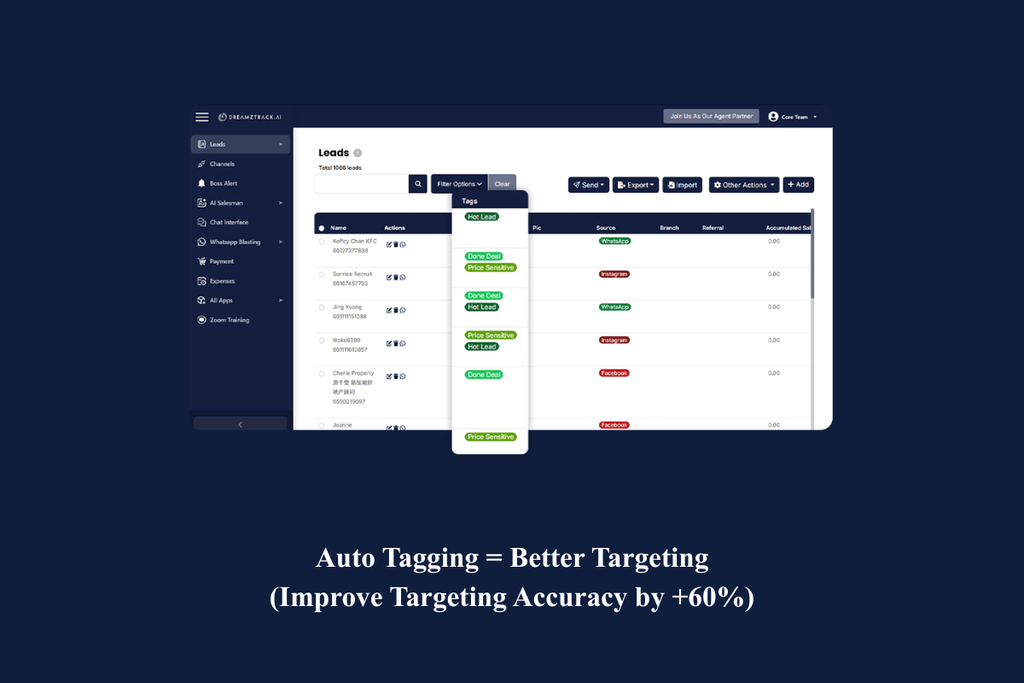


To solve this, you need automation based on keywords. DreamzTrack AI offers a feature called AI Keyword Reply for this purpose. With it, you set keywords and choose the content to send.
When a customer’s message contains your keyword, the system sends the image or video automatically. For instance, a message with “how much” can trigger your price list. Furthermore, no one needs to press anything.
Besides that, the conversation can continue afterwards. Therefore, the customer receives more than just a picture.
What to Auto Send: Price Lists, Menus, and Portfolios
Not every message suits automation. Nevertheless, some content is asked for again and again. These items work best:
- Price lists: Customers ask for them first, so speed matters.
- Menus and catalogues: Food and retail businesses receive these questions daily.
- Portfolios: Designers, photographers, and beauty services can show past work instantly.
- Location maps: Customers often ask where your shop is.
- Promotion posters: Share your latest offer the moment someone asks.
In conclusion, start with the free quick reply method. It helps you prepare and test your content. Then, when manual triggering becomes a bottleneck, consider keyword-based sending. If you want to try it, explore DreamzTrack AI.